Set up a MikroTik hotspot with one paste
Check the RouterOS version, paste one command into Winbox, and FLUXI sets up the hotspot, the login page and the secure link to your dashboard by itself.
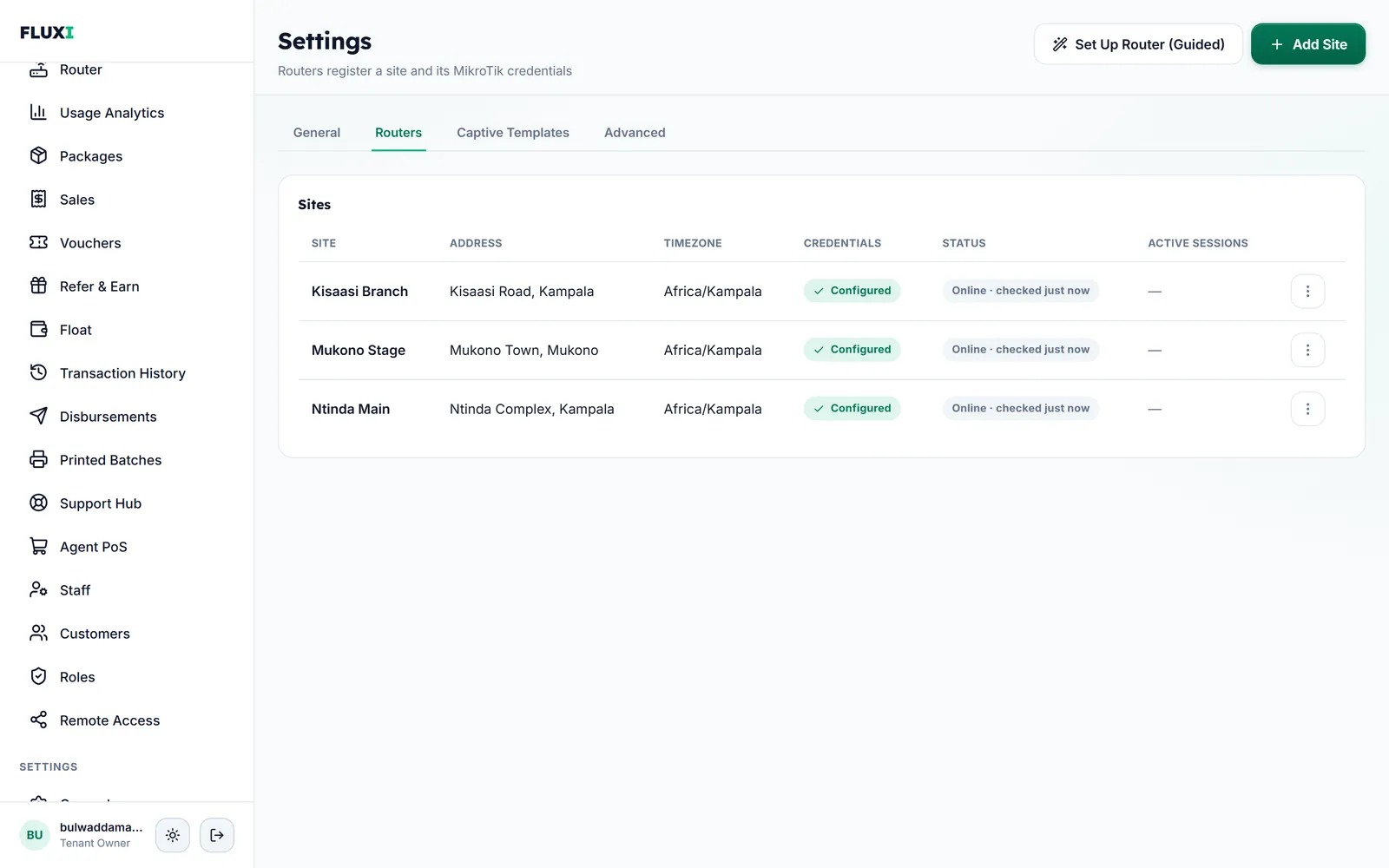
What FLUXI does for you
A check before anything changes
Setup starts with a version check that only reads the router. If it needs a newer RouterOS, FLUXI shows how to upgrade.
One paste, no IP address
Connect to the router from Winbox's Neighbors tab, open New Terminal and paste one command. You never type an IP address.
FLUXI finishes the rest
It checks the network, removes files left by an earlier billing system, creates the hotspot if it is missing, installs your payment page, and names the router, and its Wi‑Fi if it has one, after your hotspot.
Careful by design
Every step checks before it changes, so running setup again is safe. Allow-list entries it does not recognise are kept, and a failed page install leaves your current page in place.
How it works with MikroTik
- Run the version check in Winbox and press the matching button.
- Name the hotspot and enter the router's own login.
- Paste the setup command into New Terminal and wait for it to finish.
- Disconnect your computer from the router so it can finish on its own.
- FLUXI finishes the setup by itself and shows you when your hotspot is ready.
What it does not do
We would rather say it plainly.
- It never upgrades RouterOS. You choose when the router restarts.
- RouterOS 7 is not offered for new setups yet. Routers need RouterOS 6.49.18 or newer.
- The router needs a working internet connection for setup to finish.
Frequently asked questions
How long does router setup take?
The router usually connects within a minute of the paste. FLUXI then finishes on its own and shows you when your hotspot is ready.
Do I need to know the router's IP address?
No. Winbox finds the router in its Neighbors tab and FLUXI works out the rest.
Will setup break my current hotspot page?
No. The new page is installed only once it is complete. If the install fails, your current page stays.
What if my RouterOS is too old?
The version check tells you before anything changes, and FLUXI shows how to upgrade. Upgrade while no customers are connected.
Can I run setup again?
Yes. Every step checks first, so running it again does not duplicate anything.
Related guides
More FLUXI features
Run your hotspot on FLUXI
Sell by voucher or mobile money, keep every shilling accounted for, and see every router from one dashboard.
Get Started